Start with the right documents
Merging PDFs is useful when a report, its supporting notes and an appendix arrive as separate files. It brings the pages into one document so the reader can open a single file and follow the intended sequence. Before you begin, save the originals and give each file a clear name. A name such as 01-cover.pdf or 02-report.pdf can make the order easier to check.
Open each source PDF first. Make sure it contains the pages you expect and that the text and images are readable. If a document asks for a password, use an authorised unlocked copy before trying to combine it. Merging does not fix missing pages or improve a blurry scan.
Combine your PDFs in the order you need
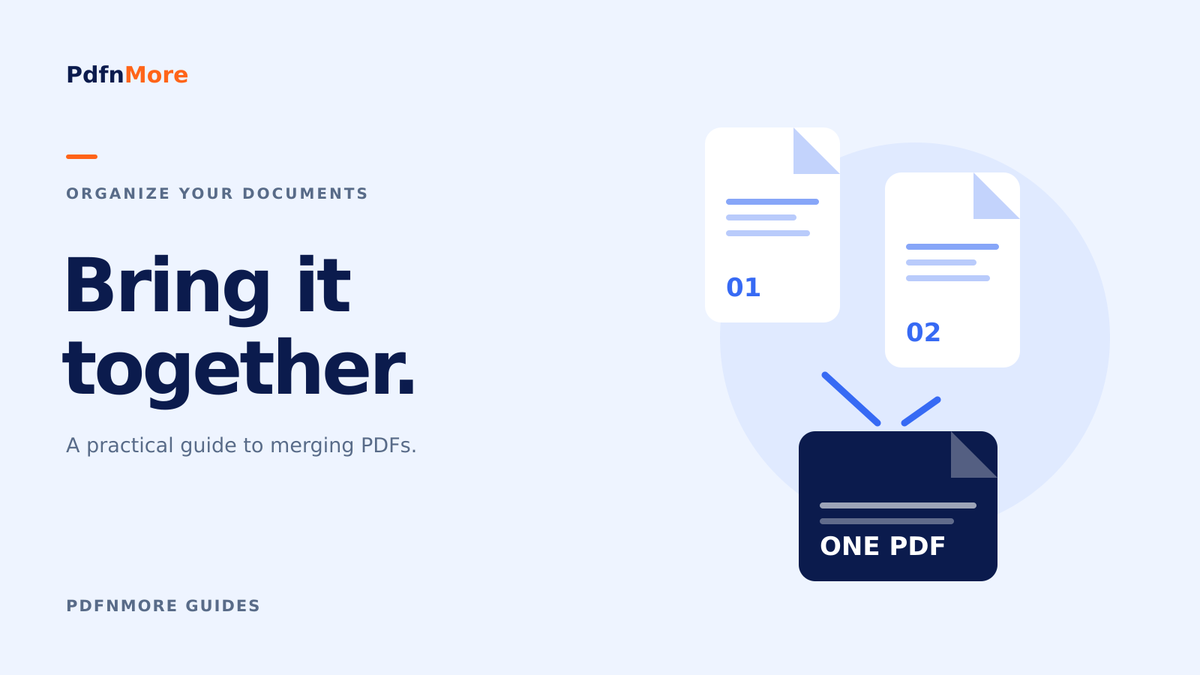
- Open the Merge PDF tool and add the PDF files you want to combine.
- Review the file list and arrange the documents in the intended reading order.
- Start the merge operation and wait for the result.
- Download the combined PDF and open it in a PDF viewer.
The order of the source files determines the main sequence of the combined document. If you need to change individual pages within a source file, prepare those pages before merging or use a separate page-organising tool. Keep the first attempt simple so you can see exactly what changed.
Check the finished document
Compare the final page count with the total number of pages in the source files. Look at the first and last page of every section, especially the point where one file joins the next. This is a quick way to catch an accidental duplicate, an omitted appendix or a section in the wrong position.
Check orientation, page size, links and any forms that matter to the recipient. Combining documents does not guarantee that bookmarks, interactive form behaviour or existing digital signatures will work exactly as before. When these features are important, verify them explicitly and keep the original files available.
Give the result a useful name
Choose a filename that tells the recipient what they are opening, such as project-report-with-appendix.pdf. Reopen that downloaded file before attaching it to an email or uploading it to a portal. If the receiving service has a file-size limit, check the actual size of your merged result and compress it separately if needed.
A good merged PDF should be easy to follow and easy to identify. The final review takes only a moment, but it is the step that makes the document ready to share.